Thinking about using Omeka?
What is Omeka good for?
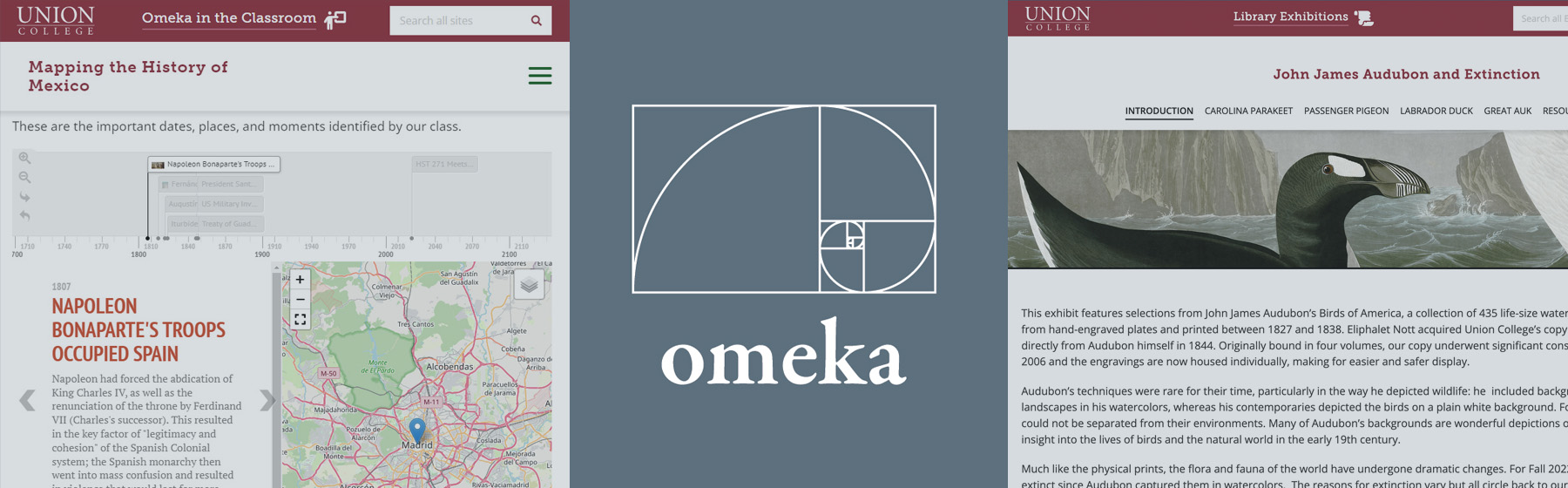
So you're thinking about using Omeka for your next project? That's great! Omeka can be a very useful platform for a variety of projects including online exhibitions, classroom projects, presentations and more. Omeka is similar to site building tools such as Wordpress, but with a greater capacity to expand on metadata and relating information to eachother. There are certain plugins / modules you can use to enhance your project. Please read the following to learn what Omeka can do for you, as well as see some working examples of sites created by Union College faculty, students and staff.
Students: Using Omeka for your class project:
Omeka has the following features that you can use.
- You can present your research in the form of text, images, video & audio.
- You can annotate images.
- You can present your data in the form of a timeline and mapping feature.
- You can organize your data into categories and have it be searchable by others.
- You can create a form for others to submit data to contribute to your project.
Visit these sites created by Union College students for examples.
Faculty: Using Omeka for your classroom:
Omeka has the following features that you can use, which will especially enhance remote learning.
- Students can submit supporting images, text, video and audio.
Students can have the ability to contribute information to an assigment through a form on the site.
This information can be presented in the form of "items" that can be categorized any way you wish and searched on the site. This information can also be presented in the form of a map & timeline feature. (see below) - Students can annotate images.
- Students can categorize by tagging items.
- You can present your syllabus and your own data in the form of a timeline or basic pages, like a website.
Here are some examples of faculty initiated websites.
A faculty member's positive feedback for using Omeka in their course:
This platform provided an effective way for engaging students and a new tool integrating formative and summative assessments. Every two weeks students created a short real-time video aimed at their peers towards one learning target. Through this process, not only did they elaborate, communicate, and evaluate ideas, they also structured a more enduring understanding of the material. This allowed students to demonstrate mastery of a concept, as well as making connections of the content and with the real world. In addition, this platform helped the members of the class, including myself, to get to know each other better and bridge the distance in e-learning through viewing and commenting on each other's work. As a long-term positive outcome of the project, the collection of videos will benefit future teaching and learning.
Using Omeka for a digital exhibition:
With Omeka, you have many flexible options for displaying your exhibit content, from text and images to audio and video. You can utilize visual tools that apply to your content, such as maps & timelines. A couple of our digital exhibits took advantage of Omeka's collecting form in order to engage visitors' stories that relates to the exhibit.
Here are some examples of digital exhibition sites on Library Exhibitions.
It can be a challenge to move an exhibit that is planned for a physical space to a virtual one. Or, even if it is planned to be digital from the beginning, there are different aspects to consider. Read up on some best practices to build a digital exhibit here.